Visualize Landscape Design Before Planting
visualize landscape design before planting
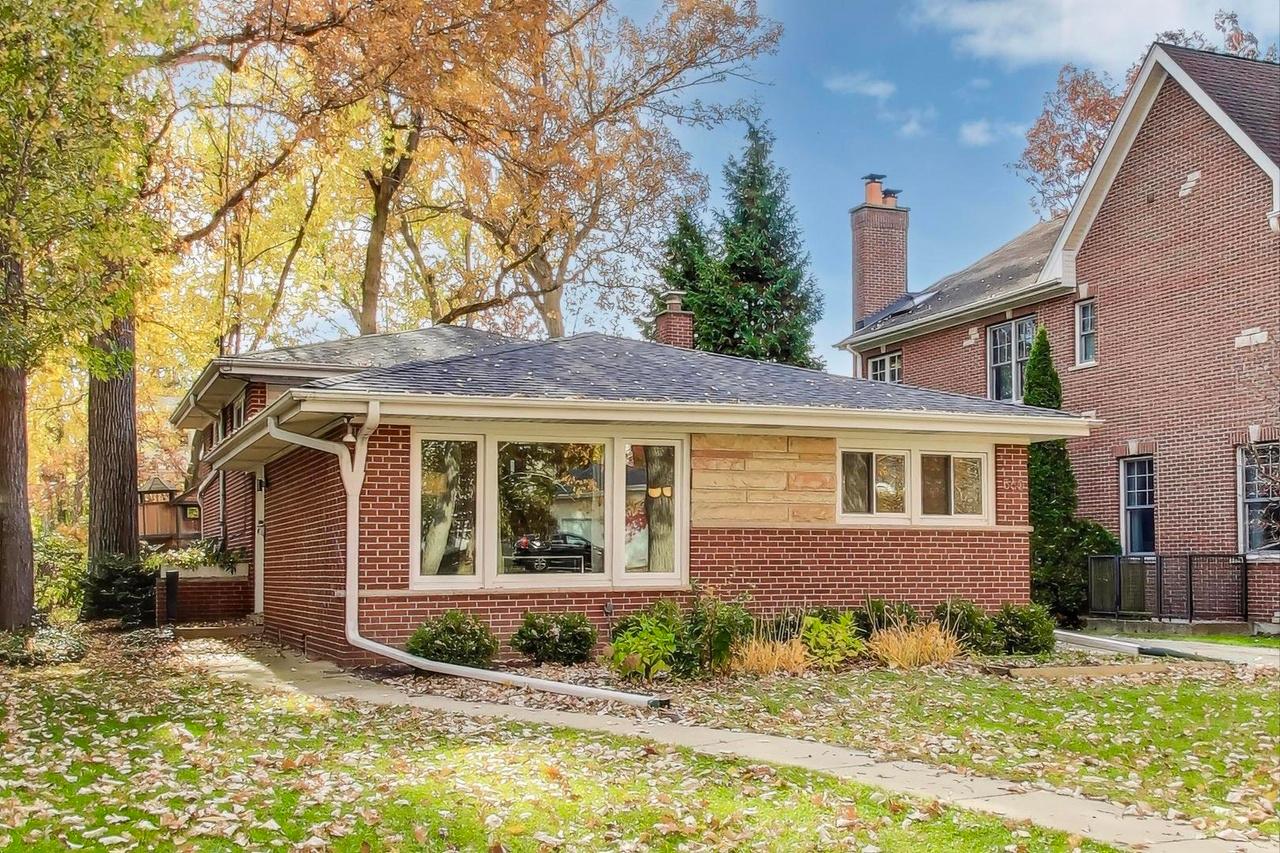
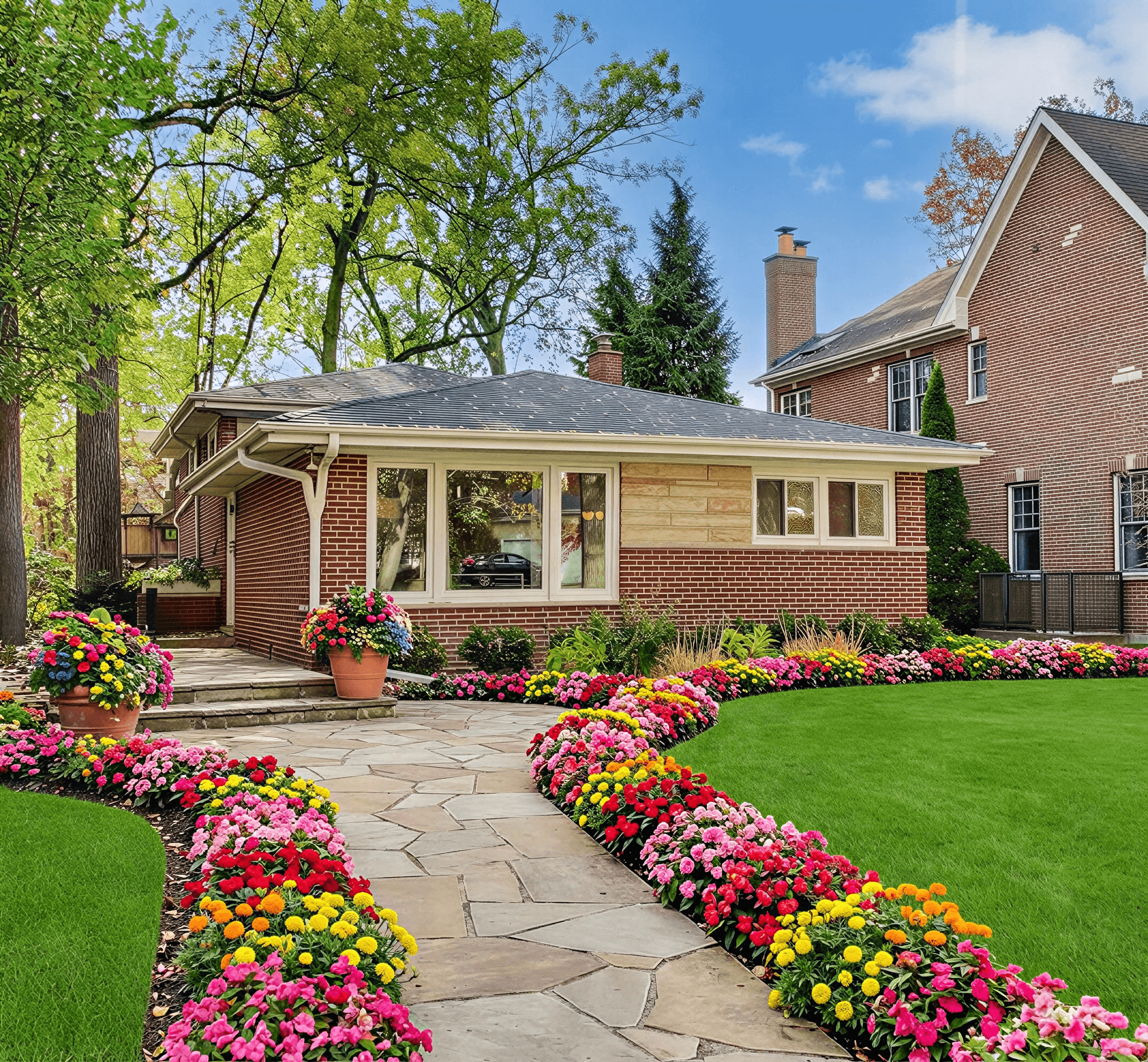
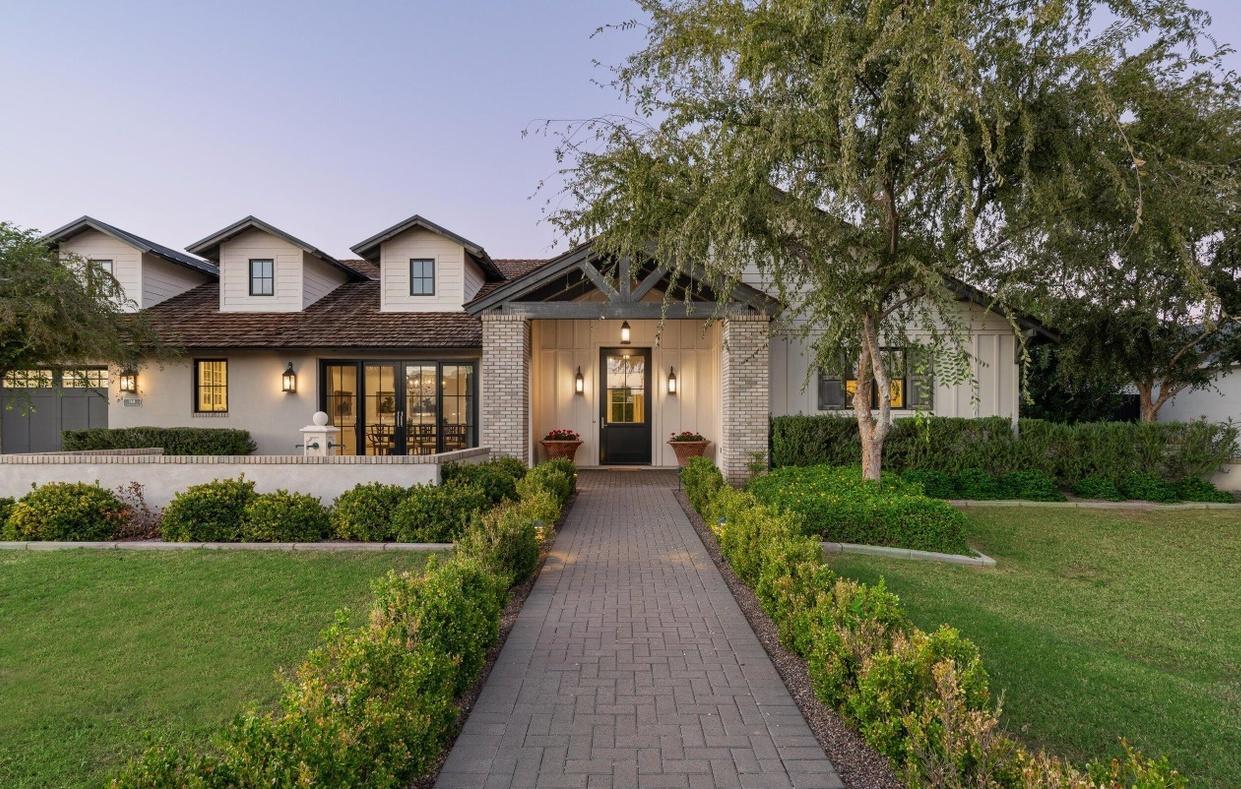
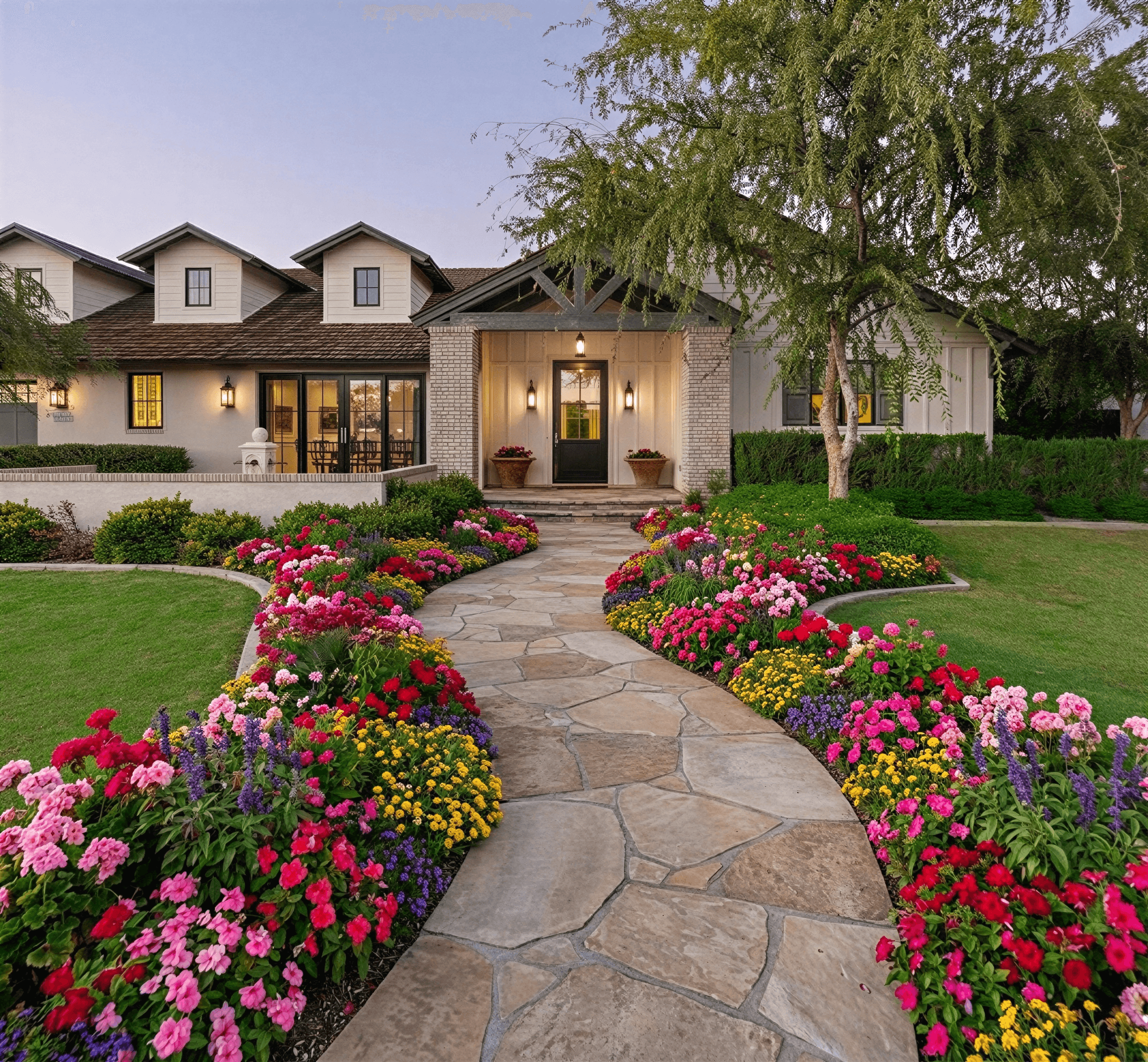
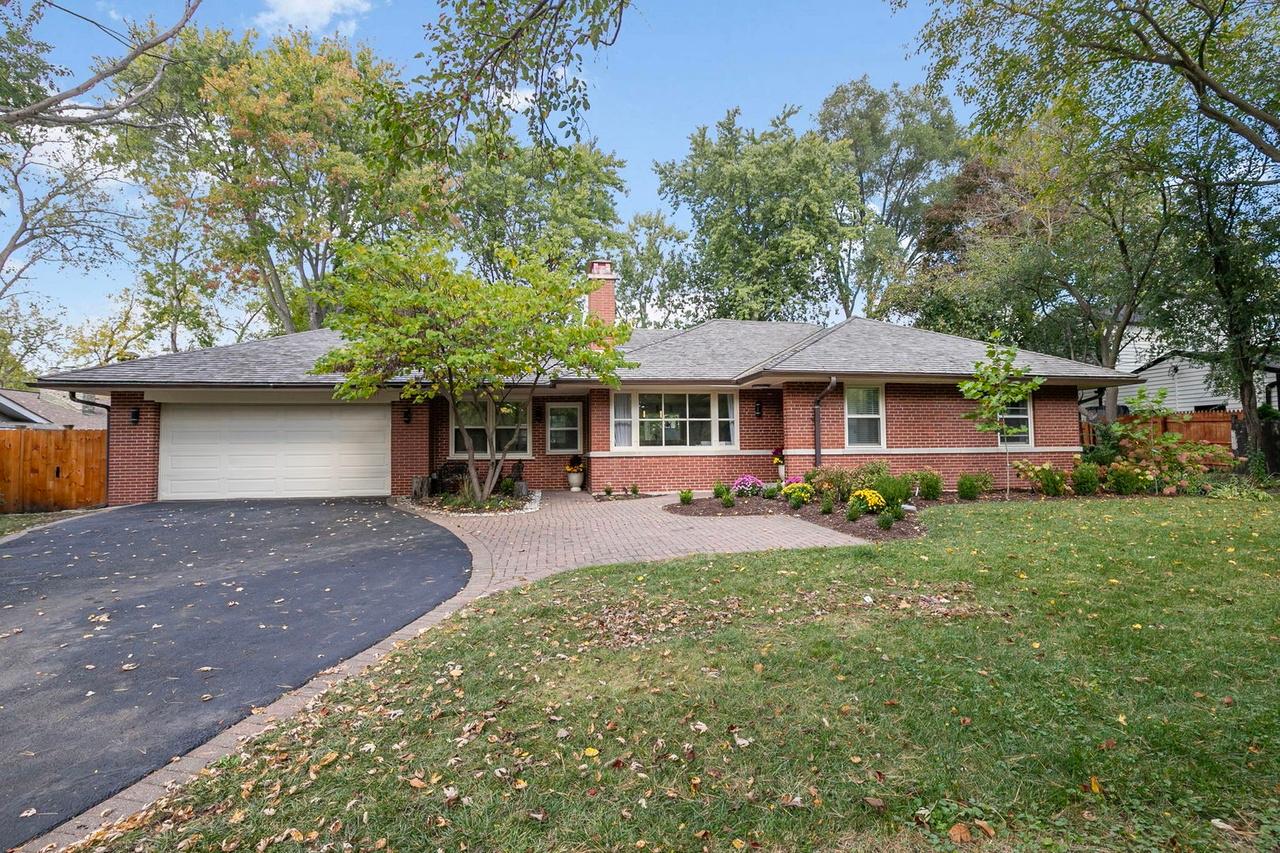
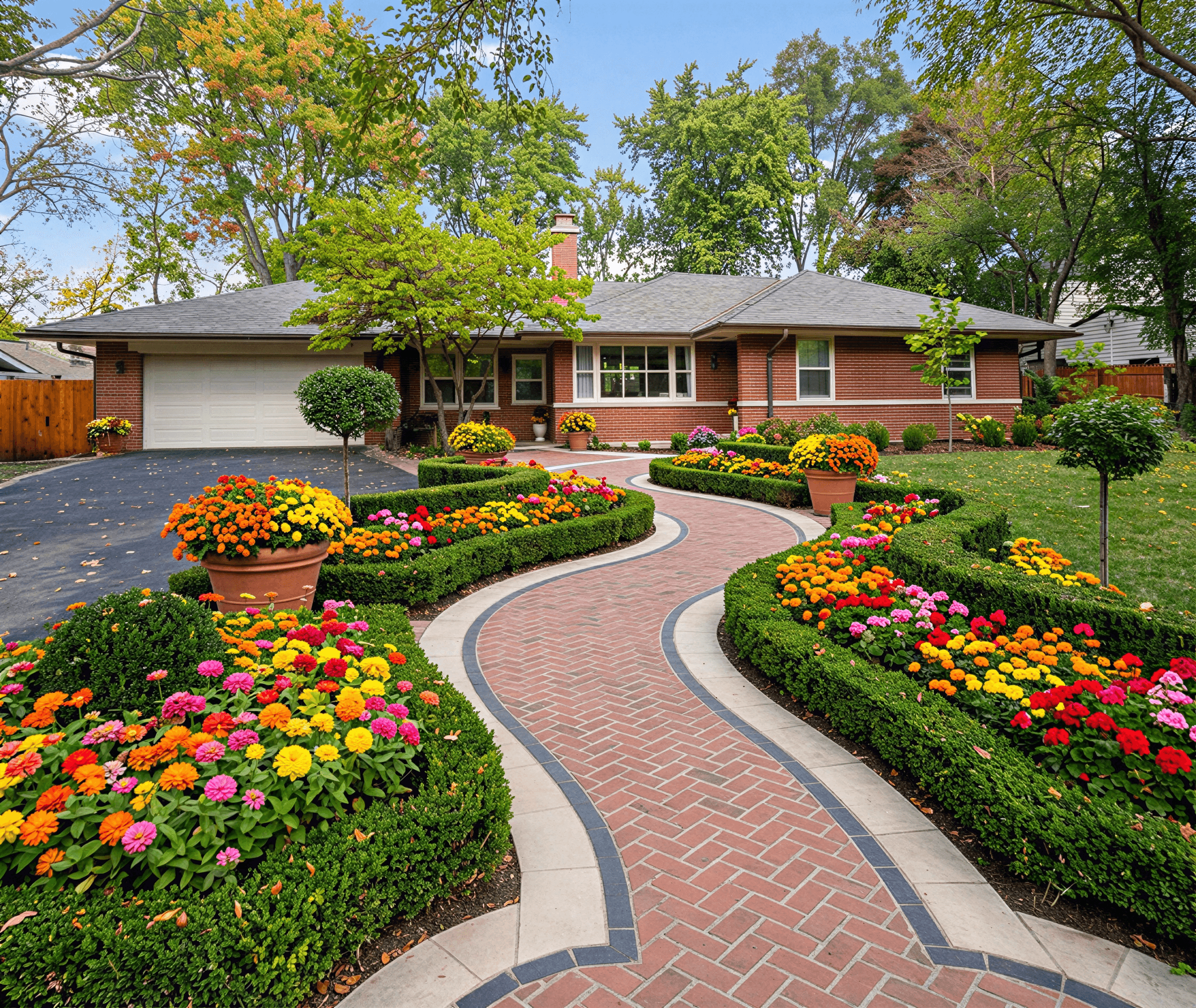
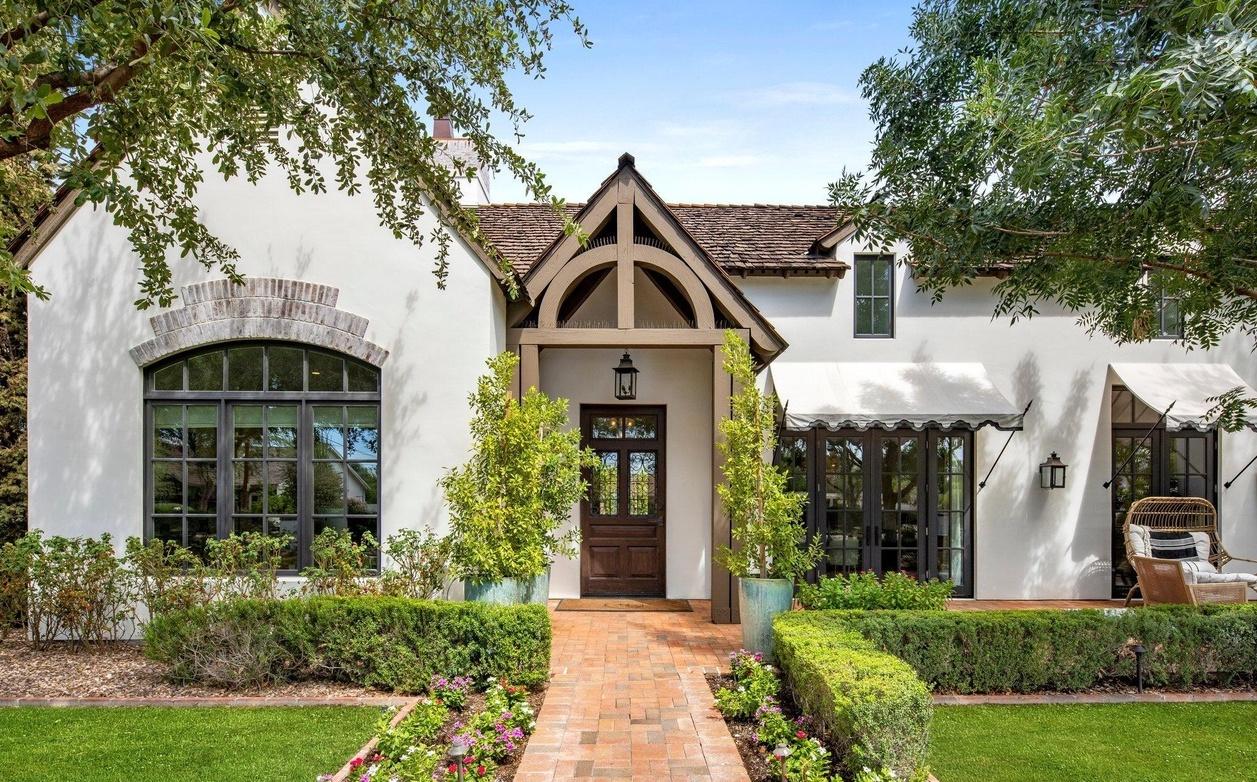
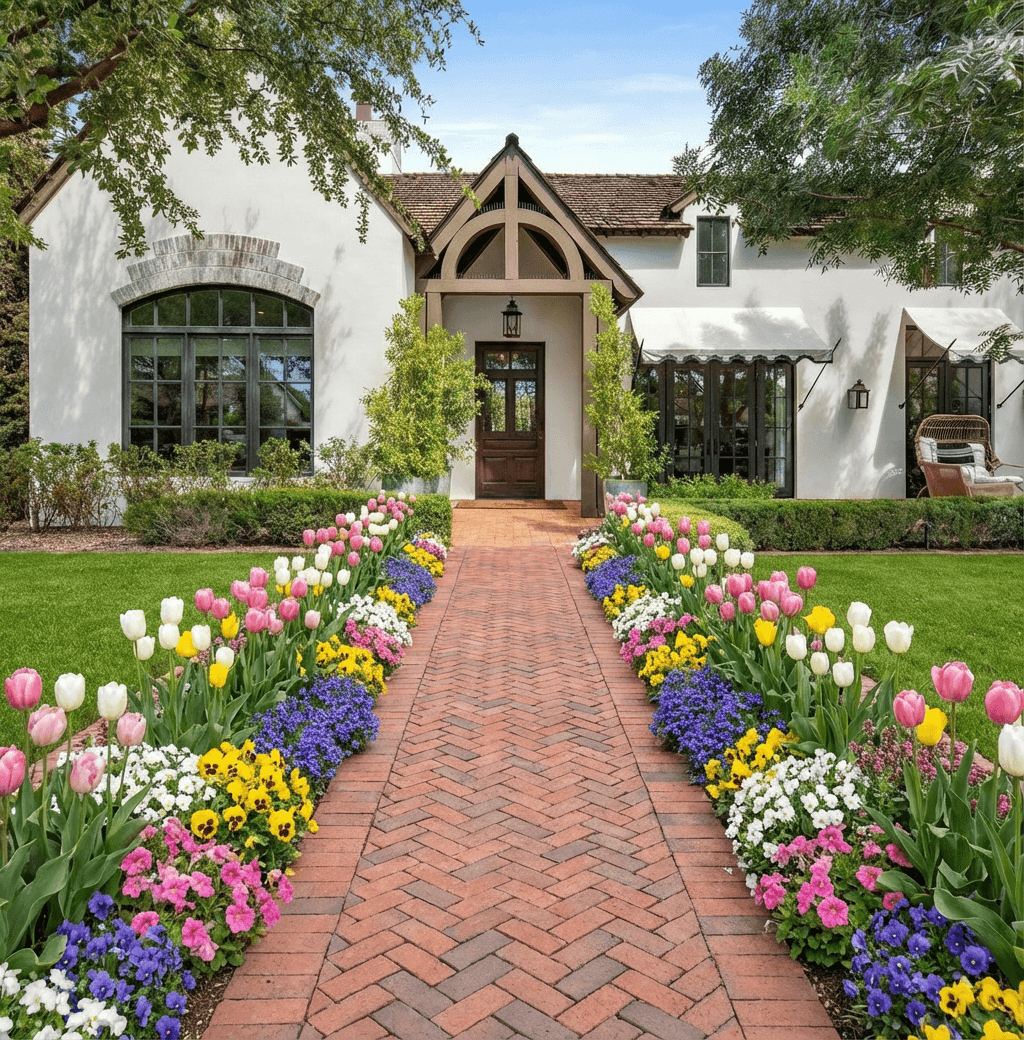
Curb Appeal AI helps homeowners see design possibilities by letting you upload a photo of your yard and try different looks before you dig. You can visualize improvements like new planting beds, paths, and focal points to compare options and avoid costly mistakes. This makes it easier to make decisions, plan materials, and estimate time and costs in a practical way.
Begin with a practical site assessment
Before you use any visualization tool, walk the site and note sun exposure, soil type, slope, and utility lines. Measure distances to the house, fences, and trees and take clear photos from a few angles so your uploaded images show the full context. Observing irrigation needs and drainage patterns now prevents surprises later. When you upload those site photos you can more accurately visualize landscape design before planting and test ideas that respect the site’s limitations and opportunities.
Use photo-based tools to preview ideas
Photo-based tools let you try different layouts and materials without moving a shovel. Upload a current photo of your yard, then experiment with plant groupings, turf removal, walkways, and focal elements to see how scale and color work together. Curb Appeal AI is designed for homeowners to quickly compare options and refine choices before committing to purchases or labor. Using these previews helps you prioritize projects and avoid visualizing something that doesn’t fit your home or budget.
Prioritize plant selection and strategic placement
Choosing the right plants and where to place them will determine long-term appearance and maintenance. Favor native or climate-adapted species, check mature sizes, and group plants by water and light needs. When you visualize landscape design before planting, look for how massing and seasonal color change the overall composition, and avoid placing large shrubs where they will crowd walkways or vistas. This approach reduces rework and helps you plan maintenance tasks like pruning, mulching, and irrigation.
Compare materials, paths, and hardscapes
Materials set the tone of your design, so preview pavers, gravel, mulch, and edging in context before buying. Consider durability, permeability, and how surfaces age in your climate; lighter materials can brighten shady areas while darker pavers absorb heat. Use visualization to test different path widths, step placements, and patio layouts to ensure circulation feels natural. Visualizing landscape design before planting lets you balance aesthetics with function and calculate accurate material quantities for bidding or shopping.
Estimate costs and plan a realistic budget
Break your project into components—plants, soil amendments, hardscape materials, irrigation, and labor—to get a clear picture of costs. Use visual mockups to trim or expand scope: swapping a paved area for decomposed granite or reducing planted turf can change cost significantly. Visualize landscape design before planting to iterate until the plan fits your budget, and get a few contractor estimates or cost checks from local suppliers to confirm material and labor pricing before ordering.
Decide between DIY work and hiring professionals
Be realistic about your skills and the project scale when choosing DIY versus hiring professionals. Smaller jobs like planting, mulching, or installing simple edging are often manageable for homeowners, while grading, major drainage changes, or large tree work usually require pros. Use visualizations to communicate your vision to contractors and to create a clear scope of work, which makes quotes more accurate. Visualize landscape design before planting so you know what you want, then match that plan to your budget and capabilities.
Frequently Asked Questions
How accurate are photo-based landscape visualizations?
Photo-based visualizations give a useful preview of layout, scale, and color relationships, but they aren’t exact for future plant size or microclimate effects. Treat them as planning tools and confirm plant mature sizes, site conditions, and grading needs before final decisions.
Can I use visualizations to estimate material quantities?
Visualizations can help you estimate areas and linear measurements to calculate materials like mulch, pavers, or edging, but you should take physical measurements on site and add contingency. Use the preview to narrow choices, then measure and verify before purchasing.
Will visualizing designs prevent landscaping mistakes?
Visualizing designs reduces common mistakes by revealing scale, sightlines, and color conflicts before work begins. It won’t replace a site inspection for drainage or utilities, so combine visual planning with a practical site check or professional advice for complex issues.
How do I share visualizations with contractors?
Save high-resolution images and note measurements, plant lists, and material preferences to include with the visuals. Clear visuals and a simple scope make it easier for contractors to provide accurate estimates and to understand exactly what you want built.
Related Landscaping Ideas
Explore Professional Services Near You
Related Articles
How to Design for Front Yard Landscape: A Pro's Guide
Learn the complete design for front yard landscape process. Our guide covers site analysis, style, plant selection, and using AI tools for stunning results.
Design of Landscape: A Modern Homeowner's Guide
Master the design of landscape for your home. This guide covers principles, styles, site analysis, plant selection, and using AI tools for stunning curb appeal.
iScape Landscape Design App: A Complete 2026 Guide
Explore our complete guide to the iScape landscape design app. Learn its features, pricing, pros, cons, and see how it compares to new AI alternatives.
Real transformations
See how homeowners are using Curb Appeal AI to reimagine their properties