Landscape Design App With Photo Upload
landscape design app with photo upload
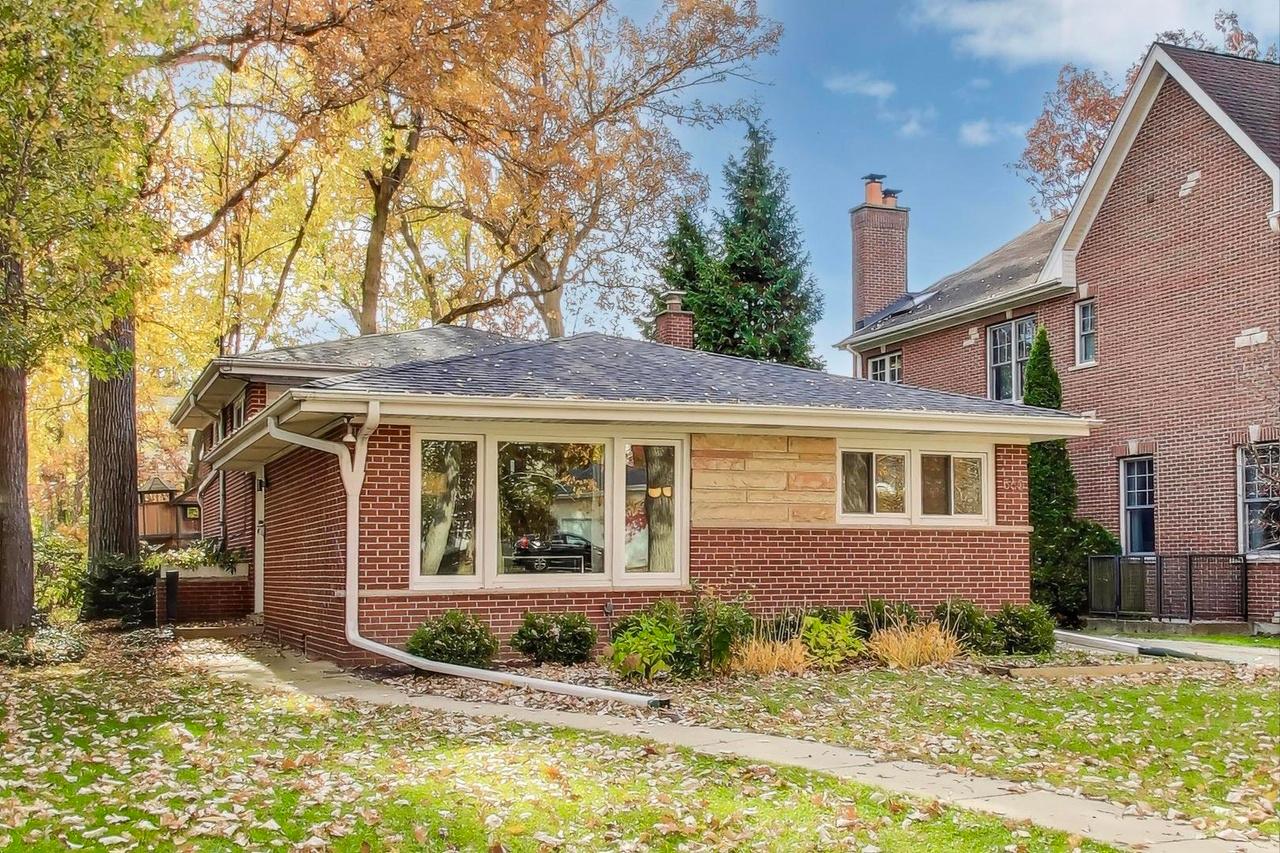
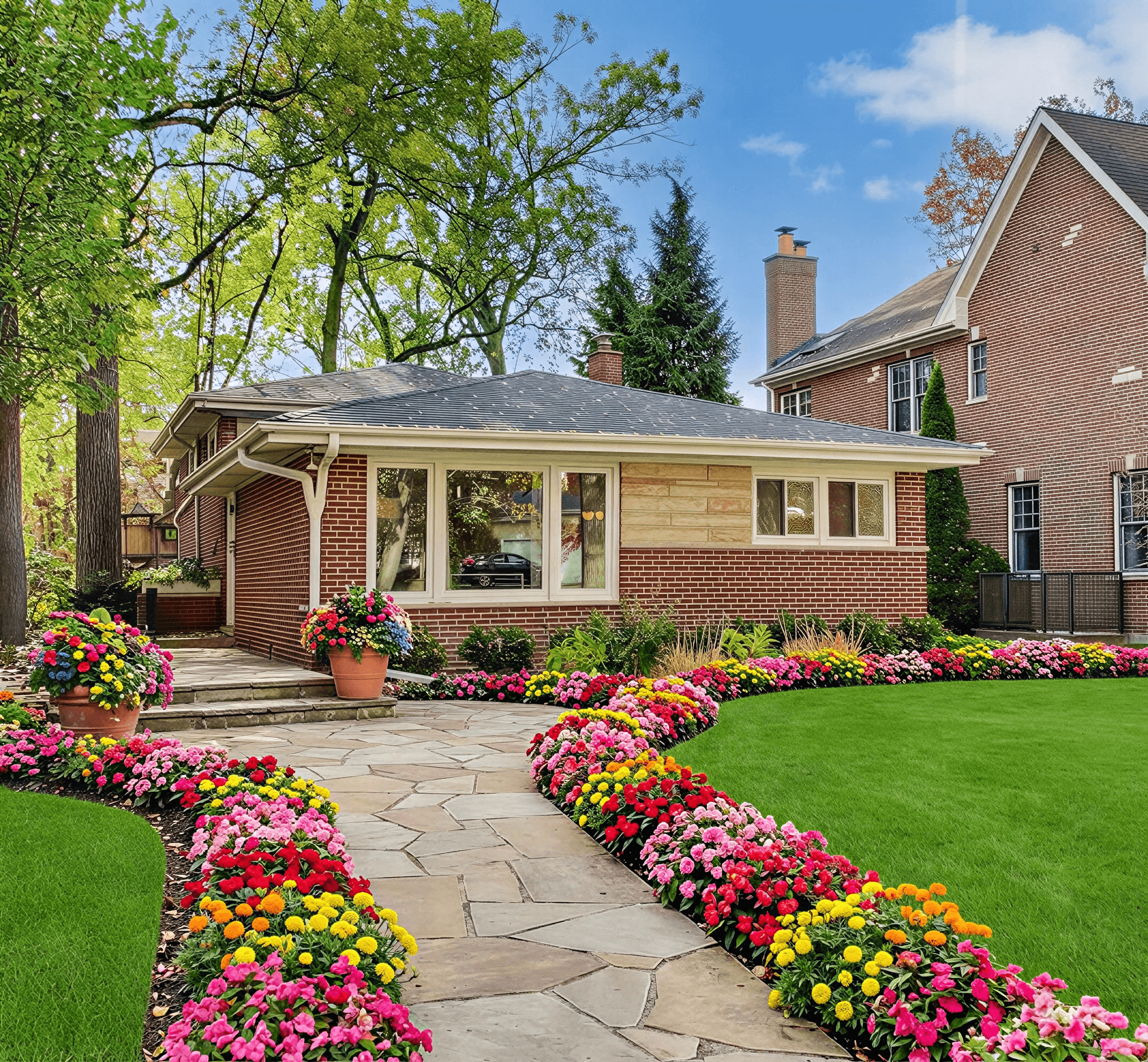
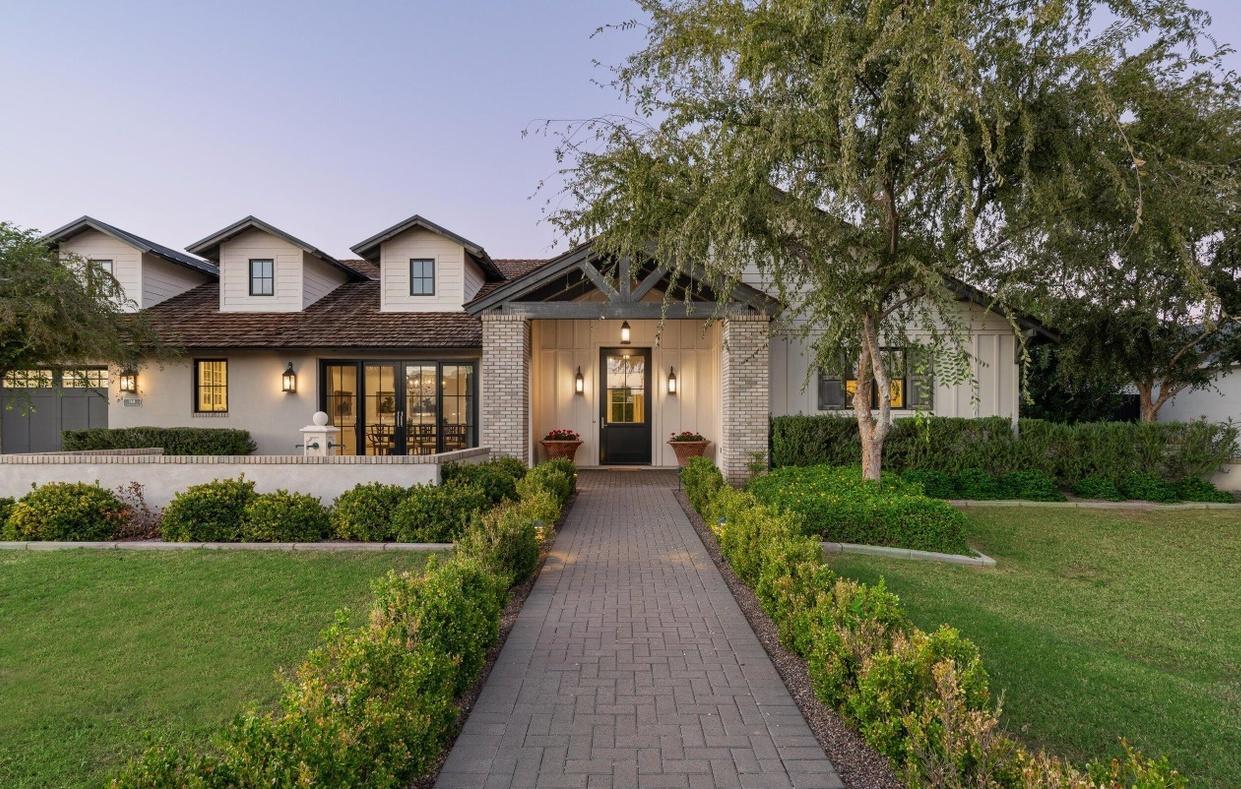
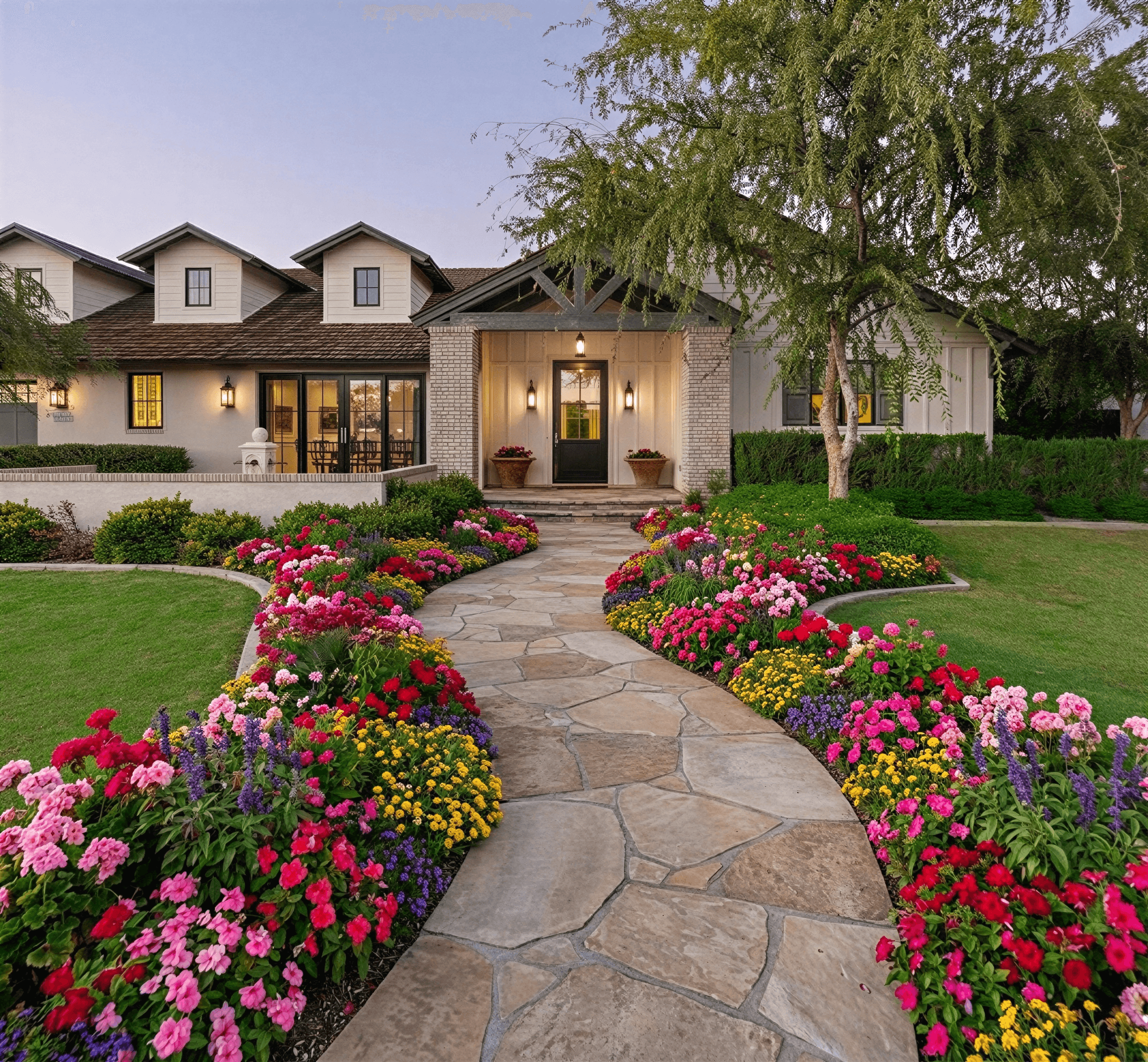
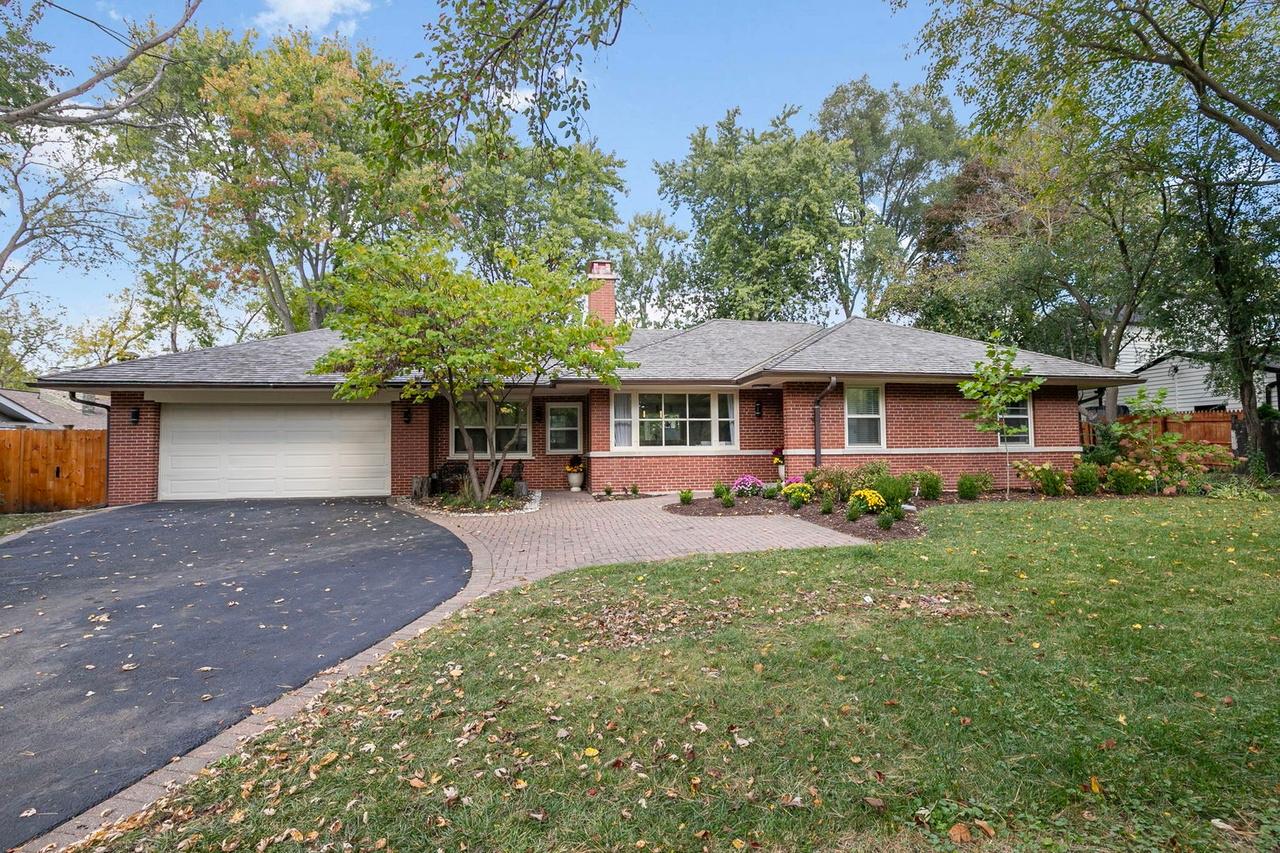
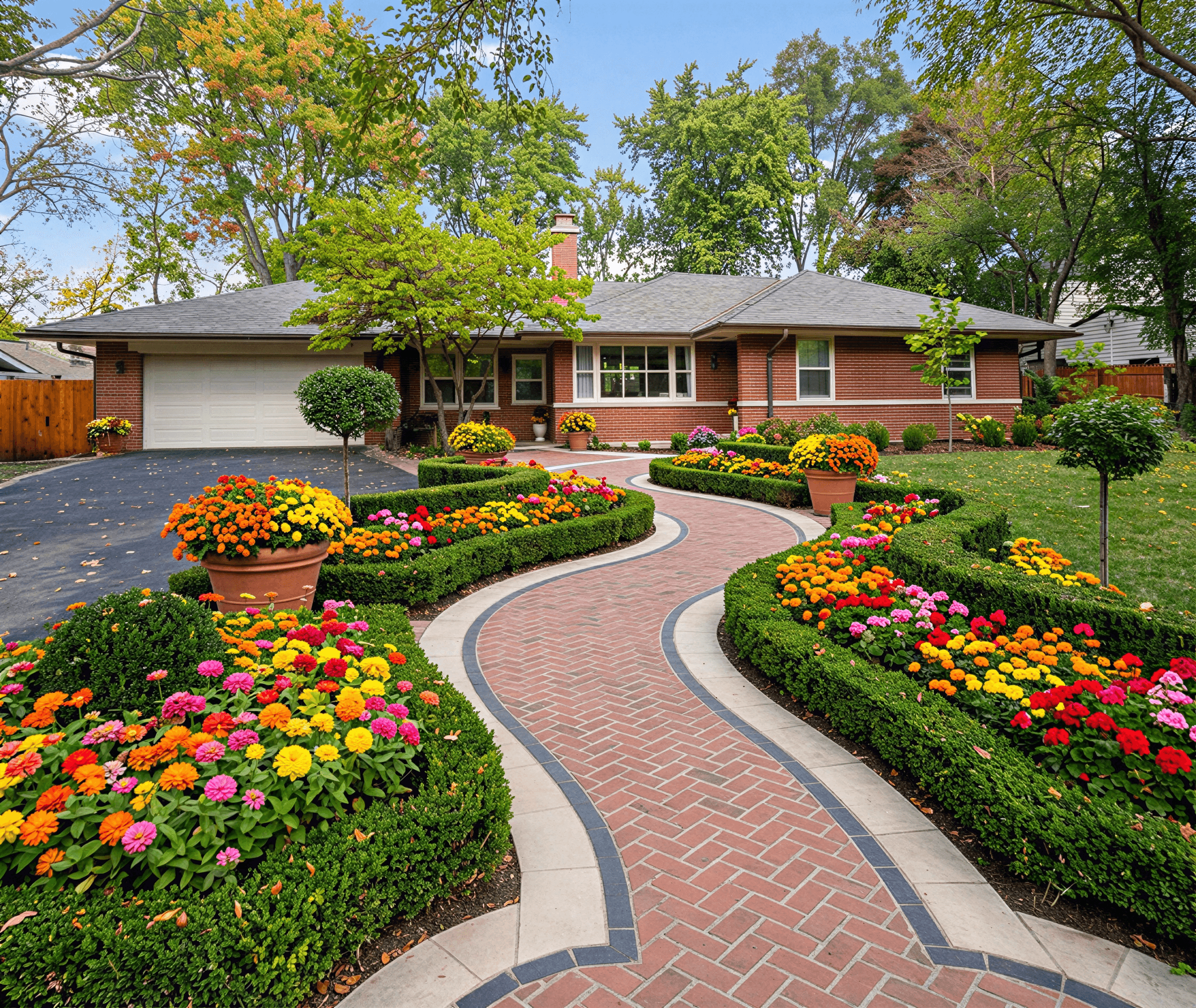
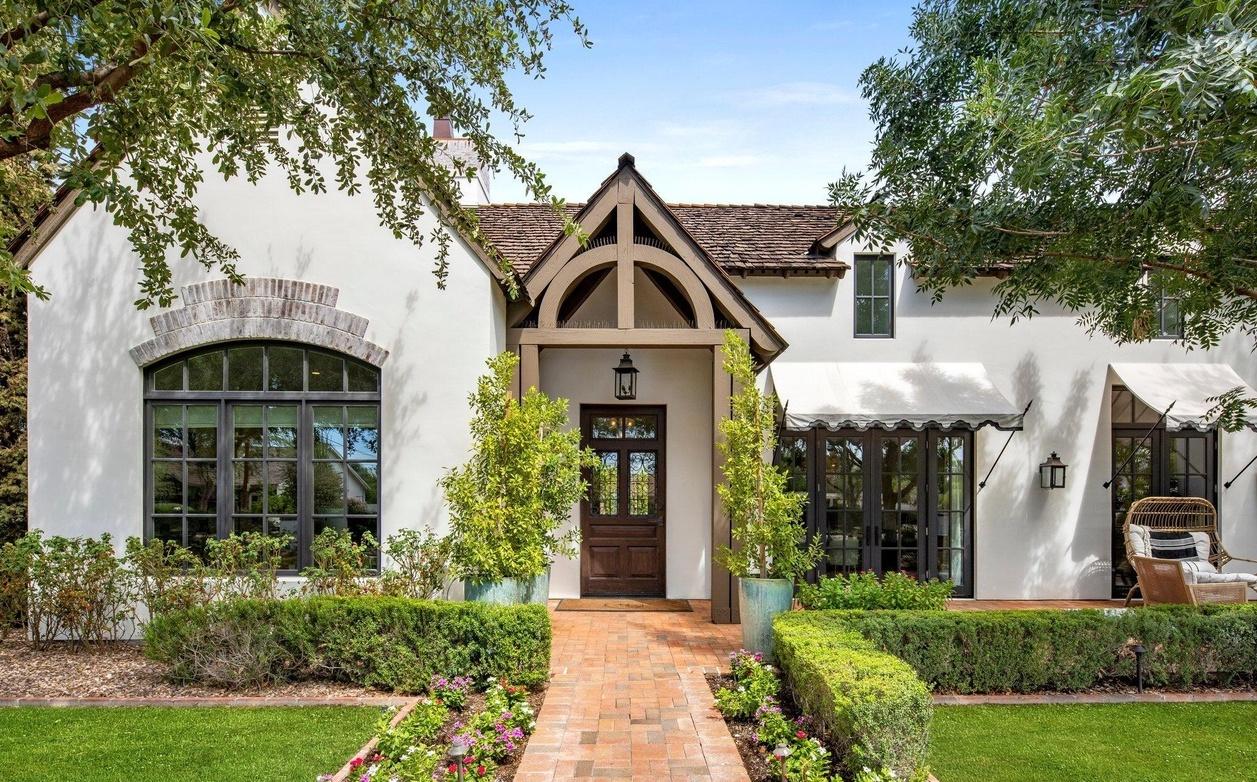
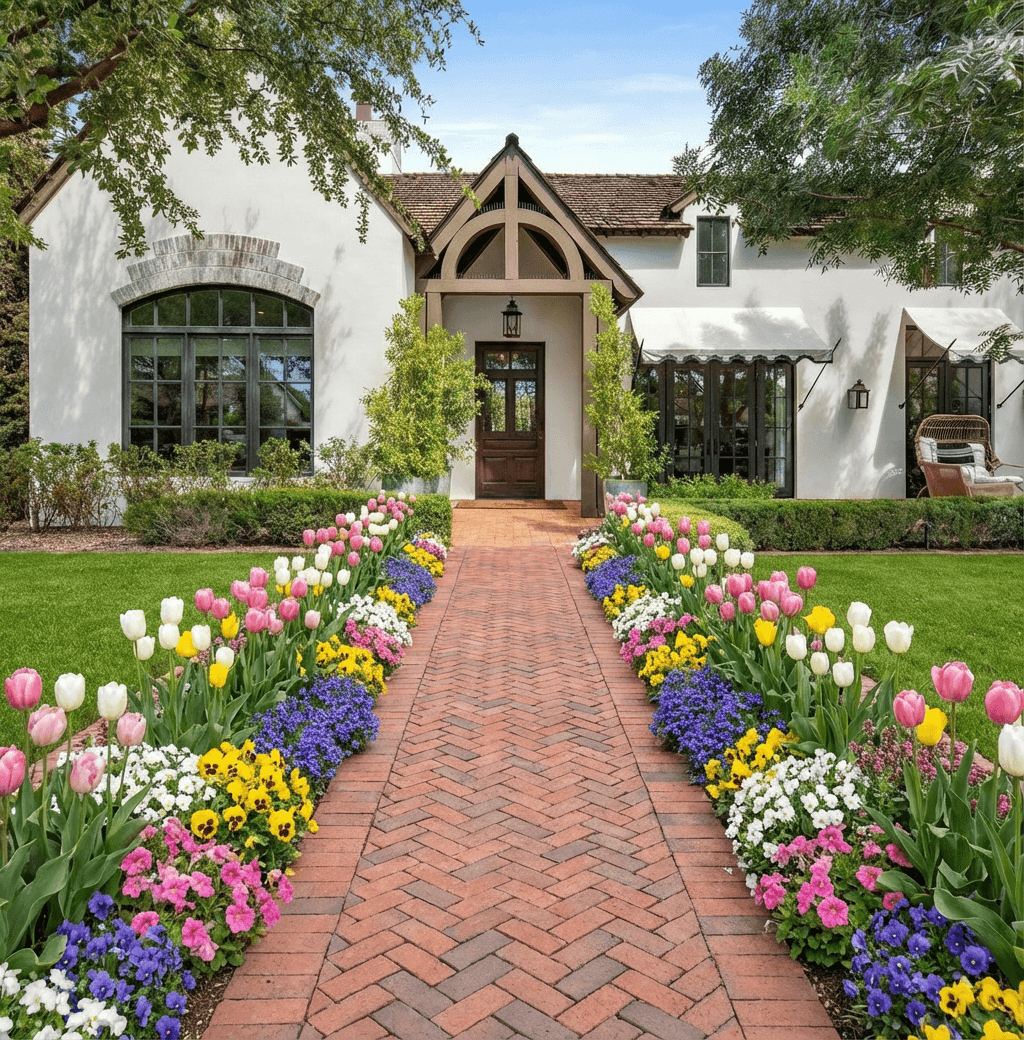
Curb Appeal AI makes it straightforward to upload a yard photo and try different design ideas before you dig or buy. A landscape design app with photo upload helps you visualize plantings, paths, and hardscape changes on your actual property, so decisions feel less risky. This approach is practical for homeowners who want to test scale, color, and materials while staying on a realistic budget.
How to Start with a Photo Upload
Begin by taking a clear, level photo of your yard in daylight from the main viewpoint you use daily. Upload the image to a landscape design app with photo upload and mark reference points like property lines, walkways, and fixed features to help the program scale elements correctly. Good apps let you draw basic outlines for beds and hardscapes, then overlay plants, mulch, and paving to see proportions. Keep additional reference shots from different angles so you can compare changes to the most-used perspectives of your home.
Planning Your Layout and Planting Zones
Use the app to divide your yard into functional zones: entry, recreation, screening, and planting. A landscape design app with photo upload helps you test different layouts without moving soil, which makes it easier to balance sightlines, privacy, and traffic flow. When placing plants, consider mature size and grouping for better year-round structure—cluster three to five specimens for more impact and easier maintenance. Sketching irrigation and lighting layers in the app will reveal potential conflicts and help you phase work across seasons.
Choosing Materials and Hardscape Options
Match materials to your home's style and local climate; the app can show different pavers, gravel, and decking against your existing facade. A landscape design app with photo upload makes it simple to compare tones and textures side by side so you can choose materials that age well and require the right maintenance level. For pathways and patios, test different widths and patterns in the mockup to ensure comfort and wheelchair or stroller access if needed. Always check local drainage and frost considerations before finalizing hardscape choices.
Estimating Costs and Budgeting Smarter
Use the visualization to prioritize high-impact changes and phase projects to fit your budget; start with curb-visible improvements for the most immediate benefit. Curb Appeal AI and similar tools often include rough cost estimators or let you export lists of materials and quantities, which helps you compare DIY versus contractor prices. Factor in plant size, soil prep, and labor for installation when you estimate costs. A staged plan—like doing paths and trees first, then filling beds—spreads expense and lets you learn from each phase before committing to larger work.
Maintenance, Seasonal Care, and Longevity
When you design in the app, consider long-term maintenance: choose trees with appropriate root habits, perennials suited to your zone, and mulches that reduce weeding. A landscape design app with photo upload can help you visualize mature plants so you avoid overcrowding that leads to costly pruning or removal later. Plan for seasonal elements such as summer watering needs and winter salt tolerance near driveways. Also use the app to map irrigation zones and access paths for maintenance tasks, which keeps the landscape manageable and extends the life of materials.
Frequently Asked Questions
Do I need technical skills to use a landscape design app with photo upload?
Most apps are designed for homeowners and require only basic actions: take a clear photo, upload it, and use simple drawing or drag-and-drop tools. Start with small edits to learn the interface and use templates or guided tutorials many apps provide.
Can the app accurately show plant sizes and spacing over time?
Good apps include mature plant sizes or allow you to set expected growth so you can preview future spacing and canopy spread. Always cross-check recommended spacing with plant labels or a regional plant database to account for local growing conditions.
Will a photo-based design app help me estimate project costs?
Some apps provide cost estimates or export material lists to help you price a project, but estimates should be treated as a starting point. For precise bids, use the app’s list to get quotes from suppliers or contractors who can factor in site-specific labor and permitting needs.
Can I use designs from the app when hiring a contractor?
Yes, a clear annotated photo or exported plan from the app makes communication with contractors easier and reduces misunderstandings. Share dimensions, plant lists, and material choices from the app so contractors can provide more accurate quotes and timelines.
Related Landscaping Ideas
Explore Professional Services Near You
Related Articles
Find the Best App for Landscape Design
Searching for the best app for landscape design? Our 2026 guide reviews top tools and features to help you visualize your dream yard in minutes.
iScape Landscape Design App: A Complete 2026 Guide
Explore our complete guide to the iScape landscape design app. Learn its features, pricing, pros, cons, and see how it compares to new AI alternatives.
How to Design for Front Yard Landscape: A Pro's Guide
Learn the complete design for front yard landscape process. Our guide covers site analysis, style, plant selection, and using AI tools for stunning results.
Real transformations
See how homeowners are using Curb Appeal AI to reimagine their properties