Ai Landscape Design From Photo
ai landscape design from photo
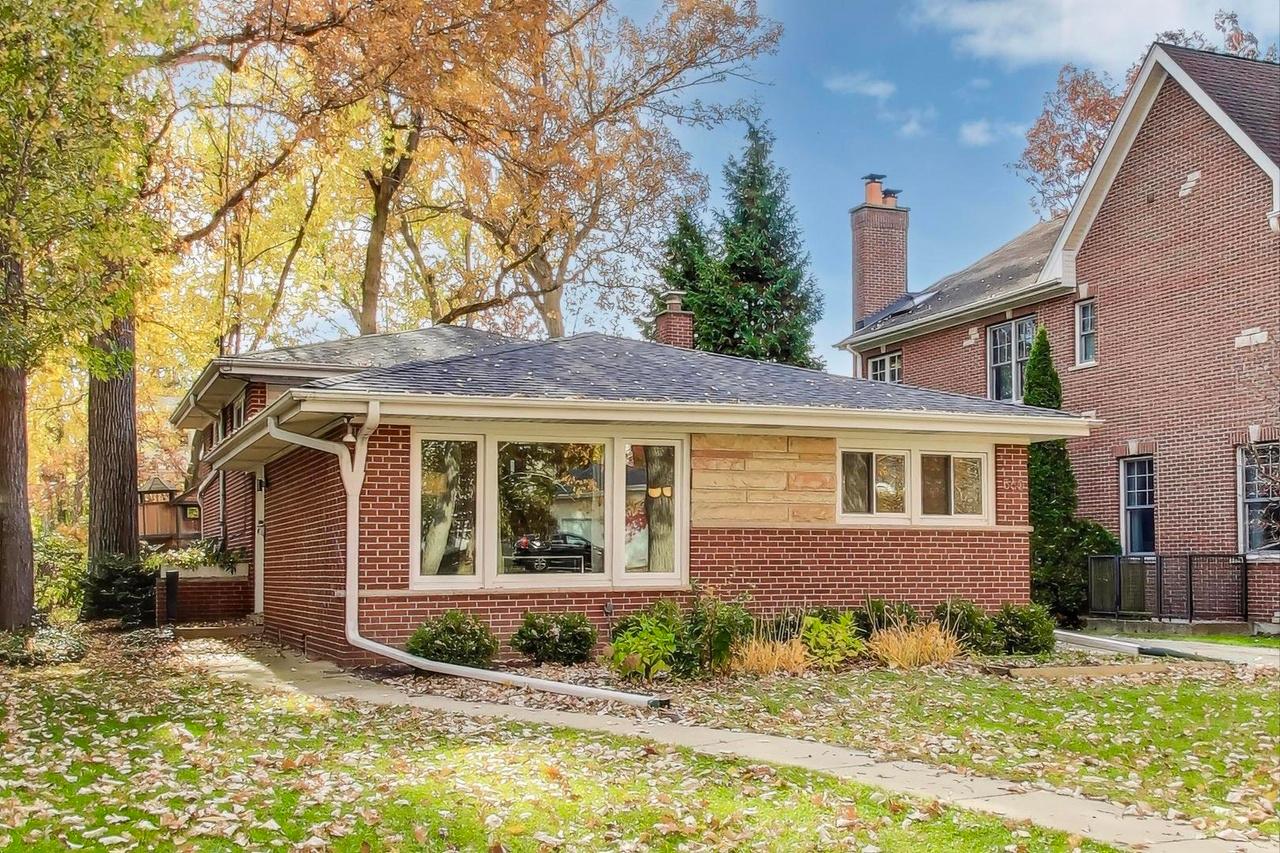
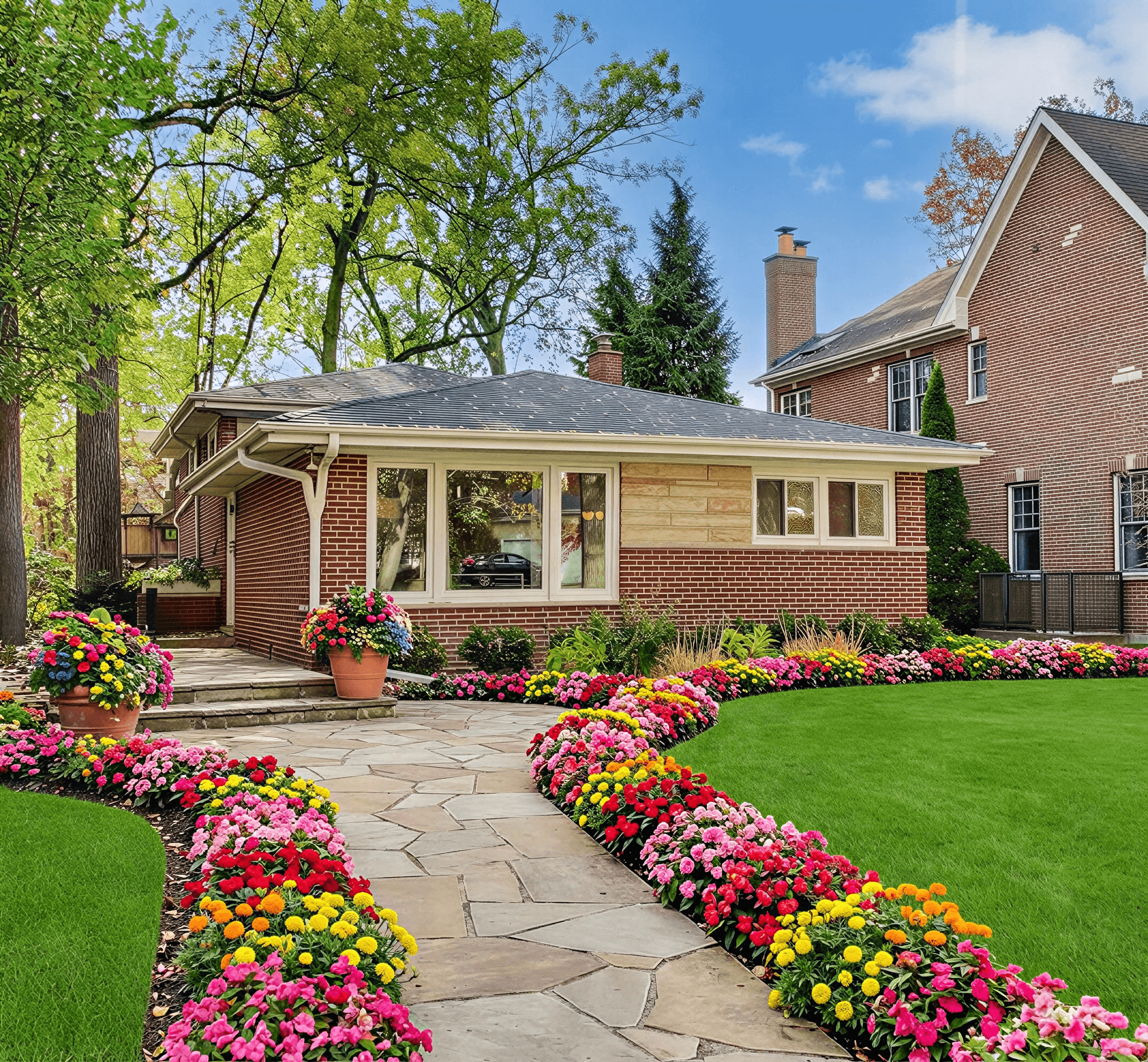
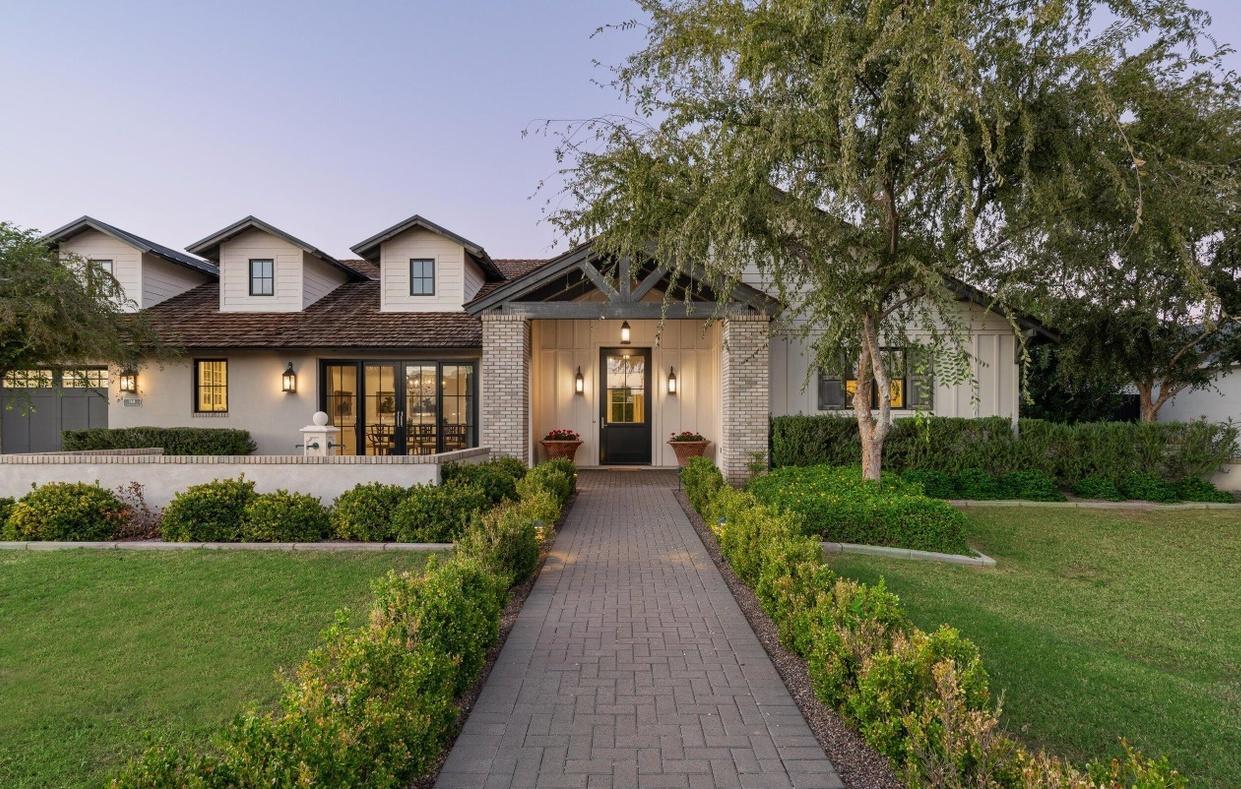
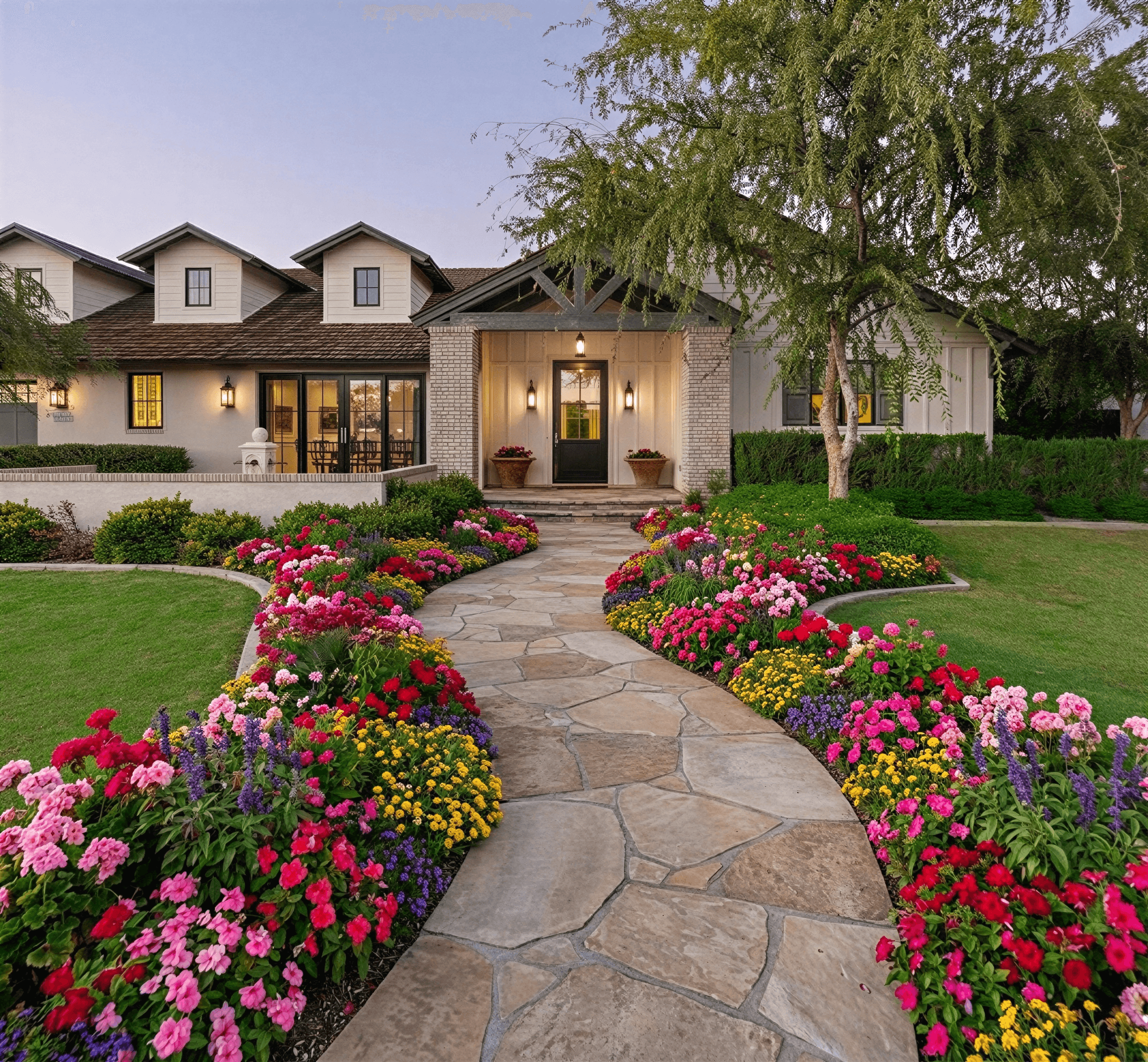
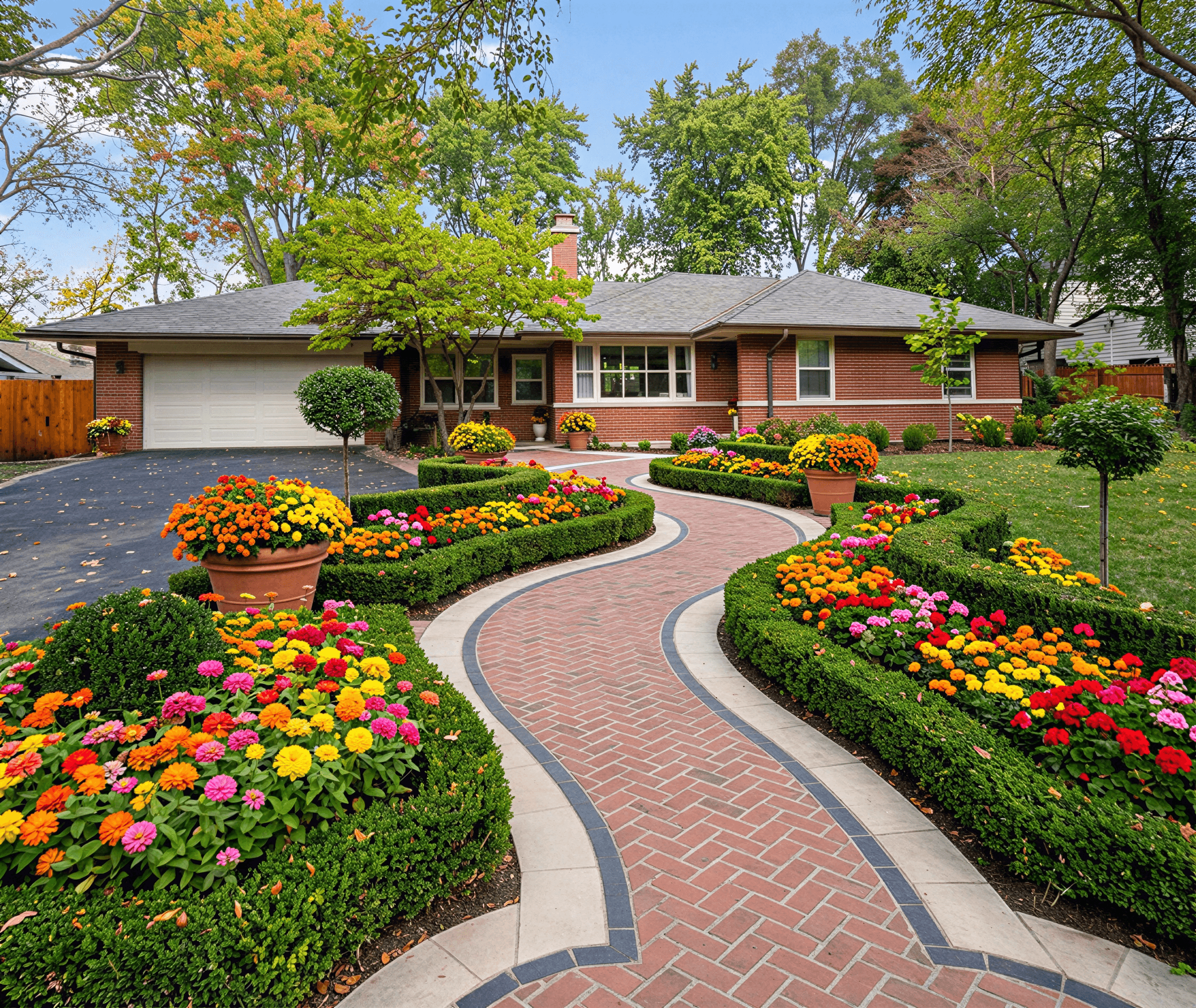
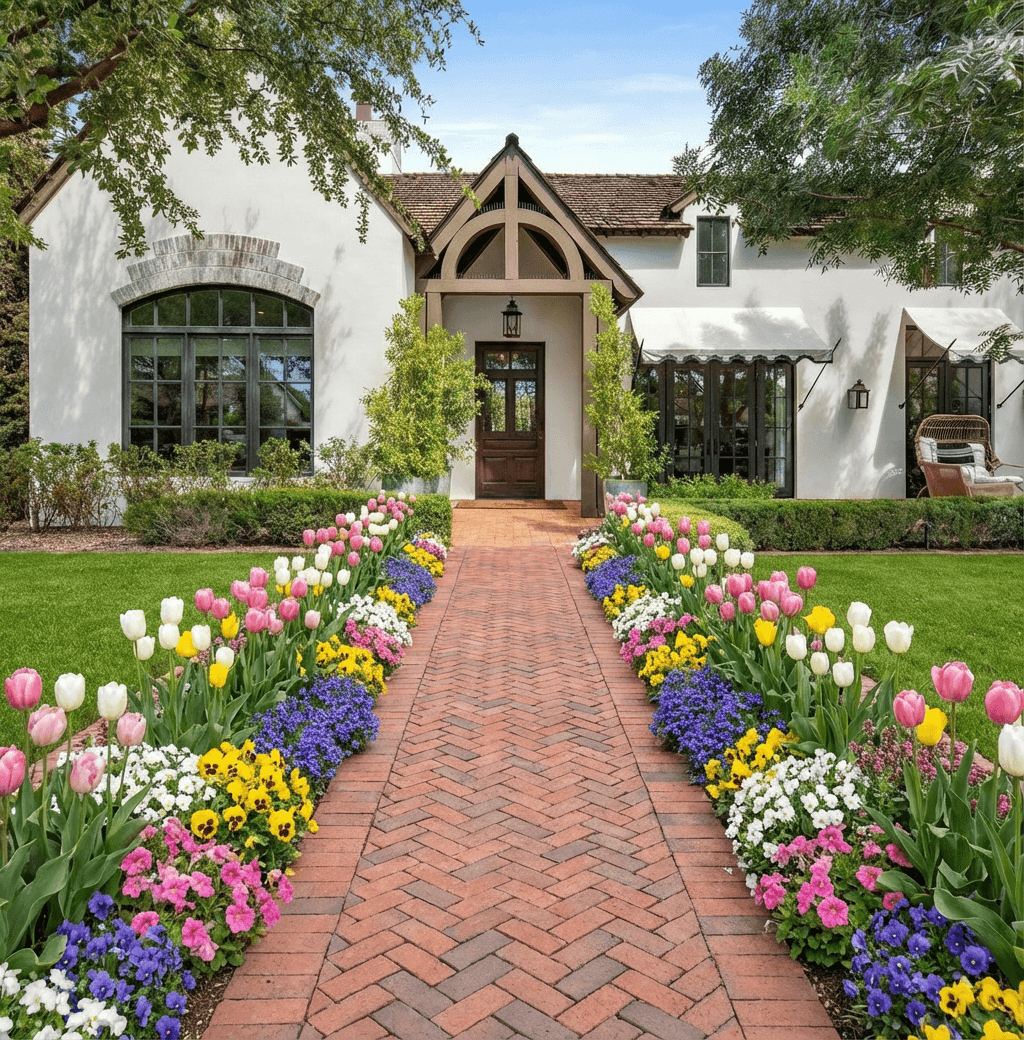
Curb Appeal AI helps homeowners visualize landscaping changes by letting you upload a photo of your yard and try different ideas. With ai landscape design from photo tools you can compare plant choices, hardscaping, and color palettes before buying materials. The process is meant to make planning easier and reduce guesswork so you can move forward with more confidence.
Start with a clear project plan
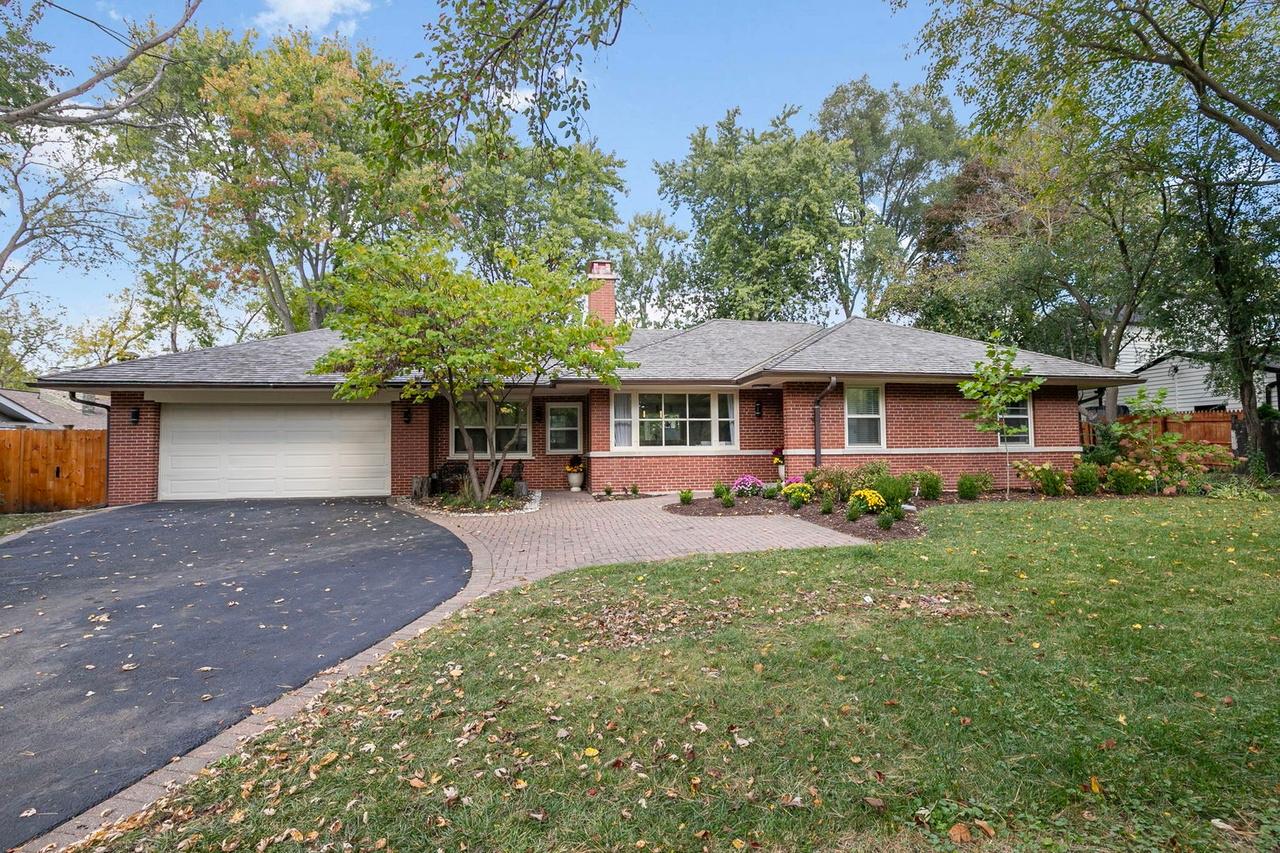
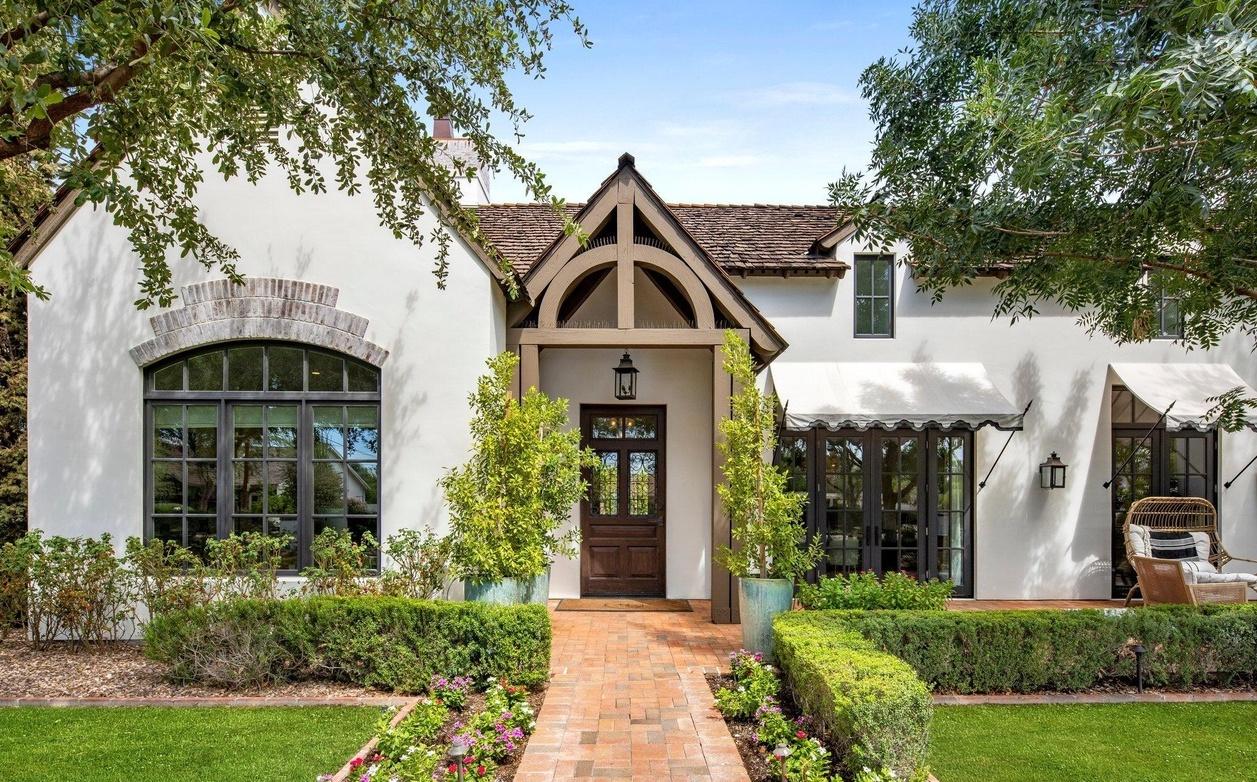
Begin by defining goals for the space: curb appeal, reduced mowing, pollinator habitat, or entertaining. Take a well-lit, straight-on photo of the area at a reasonable distance so boundaries and existing features are visible. When you use ai landscape design from photo tools, a clear brief lets the system propose changes that match your priorities rather than random styles. Note utilities, slopes, and shade patterns before you upload so design options will be realistic and actionable for budgeting and permitting.
Use photos to explore design styles
Uploading multiple photos gives you a way to compare styles side by side — cottage plantings, modern clean lines, or drought-tolerant beds. Curb Appeal AI makes it straightforward to swap materials and plants on the same photo so you can see how scale, texture, and color interact in your actual space. Treat these visualizations as a planning tool rather than a final blueprint: they help you refine preferences, verify sightlines, and identify features you like or want to avoid before buying materials or hiring help.
Choose practical materials for your yard
When reviewing ai-generated options, focus on materials suited to your climate and maintenance tolerance. Gravel, permeable pavers, native shrubs, and mulch each have different longevity and upkeep needs; select combinations that balance appearance with long-term care. Use the photo-based preview to check color and texture against your home’s exterior so choices feel cohesive. If you plan hardscape changes, evaluate drainage and slope in the photo to ensure materials proposed by the tool will perform well in real conditions.
Estimate costs and set a realistic budget
Use ai landscape design from photo mockups to create a shopping list of plants, pavers, and materials, which you can price out for a realistic budget. Remember to include delivery, soil amendments, irrigation, and possible professional labor in estimates. For larger changes, get at least two contractor quotes and compare them to the cost of a phased DIY approach. Visual previews reduce guesswork so you can plan projects in stages that match your budget and seasonal constraints.
Plan for ongoing maintenance and care
Design choices shown in a photo-based mockup should be evaluated for the maintenance they require over time. Perennials, native plantings, and mulch beds generally reduce long-term work compared with high-maintenance annuals or large turf areas. After you finalize a design, create a simple maintenance plan with seasonal tasks like pruning, mulching, and irrigation checks. Using ai landscape design from photo visualizations helps you anticipate how plantings will fill in so maintenance needs won’t be a surprise.
DIY projects versus hiring a professional
Decide which parts of the plan you can realistically handle and which are better left to pros. Small planting changes, edging, or adding mulch are common DIY tasks, while grading, major hardscaping, and irrigation work often require a contractor for safety and permits. Use Curb Appeal AI mockups when discussing bids so contractors understand your vision and can provide accurate quotes. The ai landscape design from photo preview is a useful communication tool that helps avoid misunderstandings and keeps the project on track.
Frequently Asked Questions
How accurate are ai landscape design from photo suggestions?
AI previews give a realistic idea of scale, color, and placement, but they are not a substitute for a site assessment. Use them to narrow choices, then verify soil, drainage, and utilities before making major changes or purchases.
What kind of photo should I upload for best results?
Upload a clear, well-lit photo taken from a steady position that shows the entire area and any important boundaries. Include shots at different angles if you have slopes or features that are hard to capture in a single image.
Can I use the designs to get contractor quotes?
Yes, photo-based designs make it easier to explain your vision and get more accurate quotes. Share the mockups with contractors and ask them to confirm feasibility, required permits, and a breakdown of labor and material costs.
Will my photos and data remain private?
Most platforms provide information about data handling and privacy; check the provider’s policy before uploading. If privacy is a concern, choose tools that allow local processing or explicit deletion of images after use.
Related Landscaping Ideas
Explore Professional Services Near You
Related Articles
Ai for Landscape Design: Elevate Outdoor with ai for landscape design Tools
ai for landscape design: Transform outdoor spaces with AI tools to craft stunning, climate-smart yard visuals.
How to Design for Front Yard Landscape: A Pro's Guide
Learn the complete design for front yard landscape process. Our guide covers site analysis, style, plant selection, and using AI tools for stunning results.
Design of Landscape: A Modern Homeowner's Guide
Master the design of landscape for your home. This guide covers principles, styles, site analysis, plant selection, and using AI tools for stunning curb appeal.
Real transformations
See how homeowners are using Curb Appeal AI to reimagine their properties